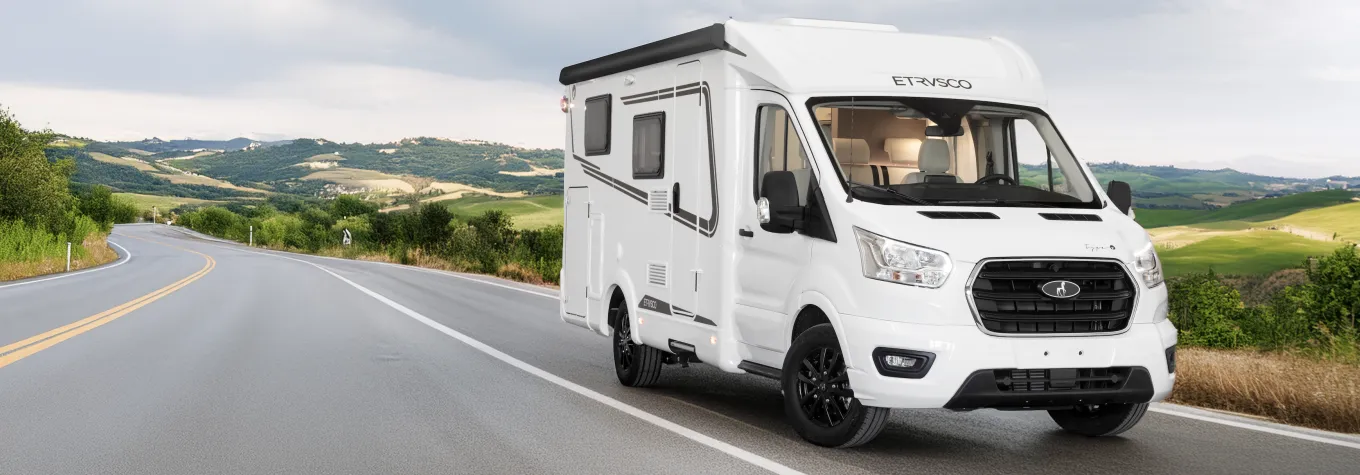
Selling your motorhome on Out & About Live
News
How to sell your motorhome on Out & About Live
When it's time to sell the motorhome that's been your pride and joy for many years, you can often find yourself filled with the dread of a complicated process followed by the difficult logistics of an exchange. Luckily on the Out & About Live website, the process couldn't be easier. By following this helpful step-by-step guide, listing your motorhome for sale is an easy and stress-free process.

Nathaniel Cureton Content Editor
Nathaniel Cureton Content Editor
Before anything else, select the ‘sell your motorhome’ button. It is under the motorhome tab on the Out & About Live homepage. Then select ‘start your listing here’.
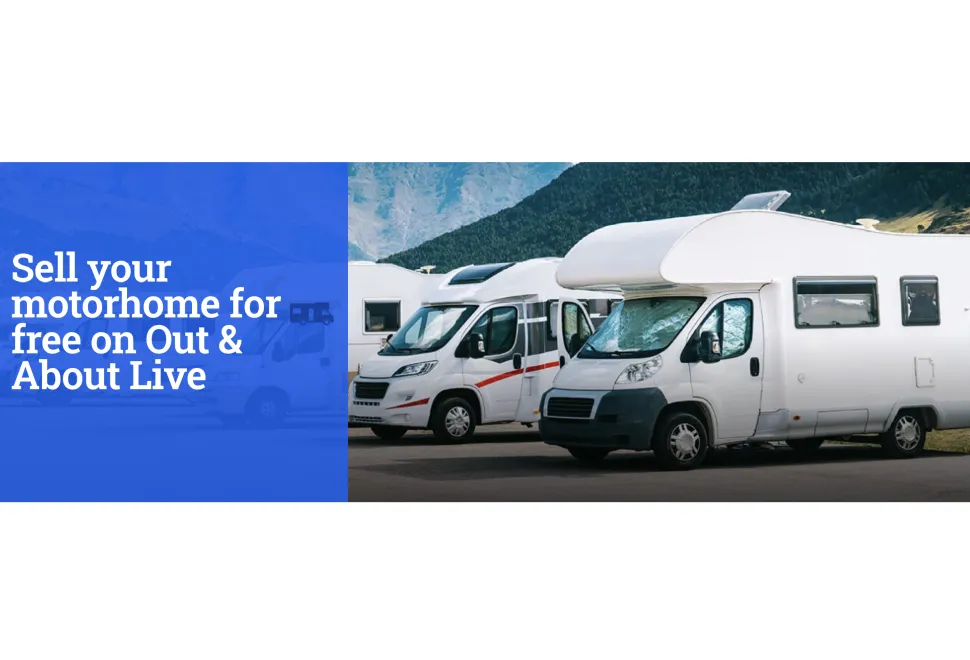
1. Create an account on Out & About Live
First you need to make an account on Out & About Live. This is as simple as filling out some details followed by picking a username and password. If you already have an account, simply log in.

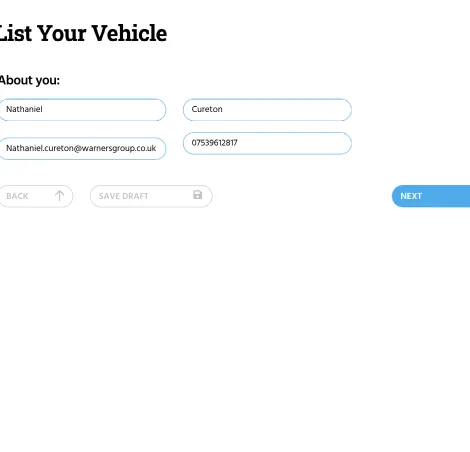
2. Fill out your personal details
Next select the ‘list a vehicle for sale’ tab and fill out your name, email address and phone number again.
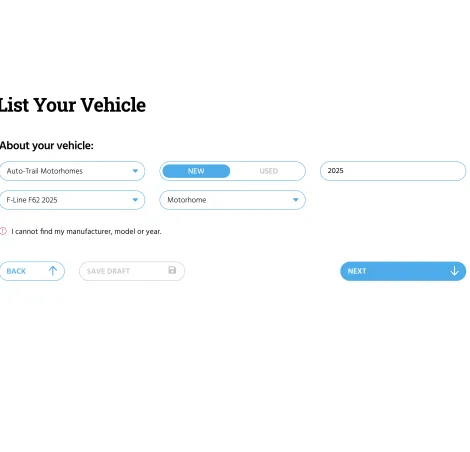
3. Add the vehicle details
After that you need to select the manufacturer, model year, model, type of vehicle, and finally whether it is new or used.
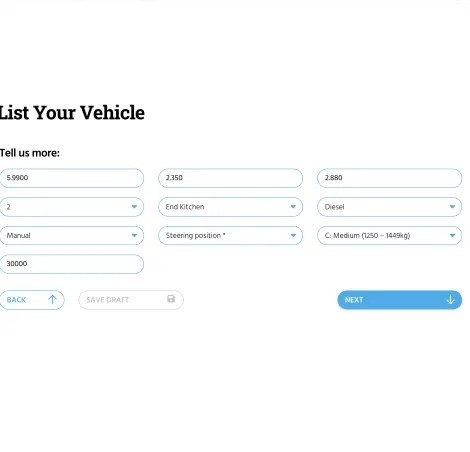
4. Add the finer details
Then it’s time to fill out the details of the vehicle. These are the length, width, height, berths, fuel type, gears, main layout, steering position, and the weight. Finally, type in the mileage.
5. Describe the vehicle you're selling
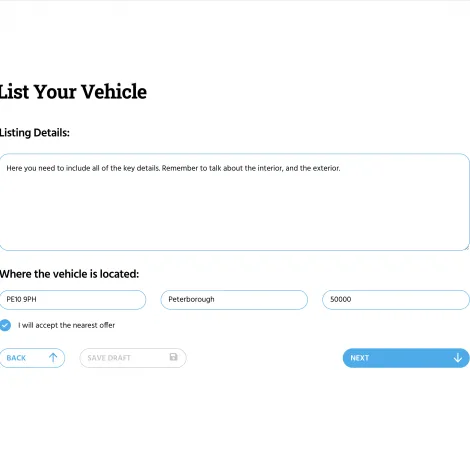
After pressing ‘next’, fill out the listing details. These are the features of the vehicle in detail. Things like the type of toilet, oven, beds etc. It is important to include as much as possible and include the features of both the interior and exterior. Then on the same form put the postcode and location of the vehicle, and the price.
6. Add your vehicle images
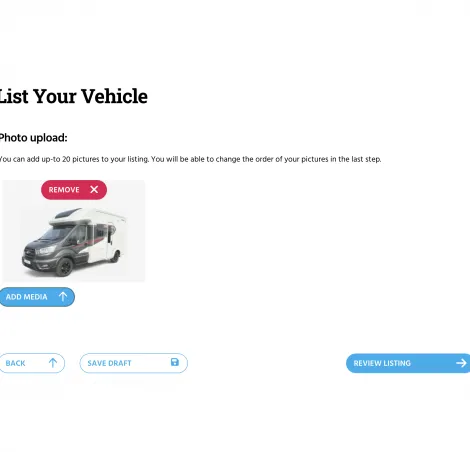
On the next tab, add the images. You can include up to 20 images on your listing. Make sure you cover all of the vehicle's features on the inside and outside.
7. Review your listing
Finally, review your listing and make sure all the details are correct. You can also see exactly what it will look like when it is live.
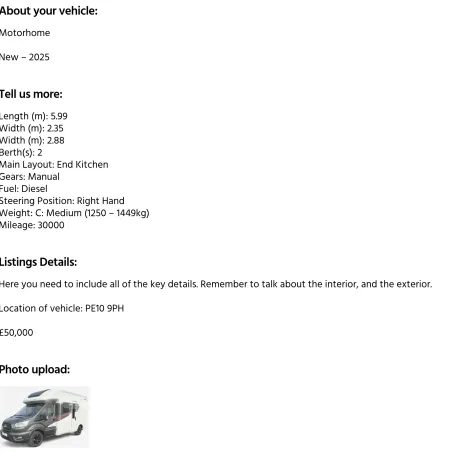
If you’re happy with everything about your listing, click to set it live. If not, you can make any changes you would like to here. On this page, you can also delete your listing if you wish to. If your vehicle sells, or you receive either a question about it, or an offer, you’ll be notified via the email address you entered. The phone number you entered will also be available for potential buyers to use as a way of contacting you.
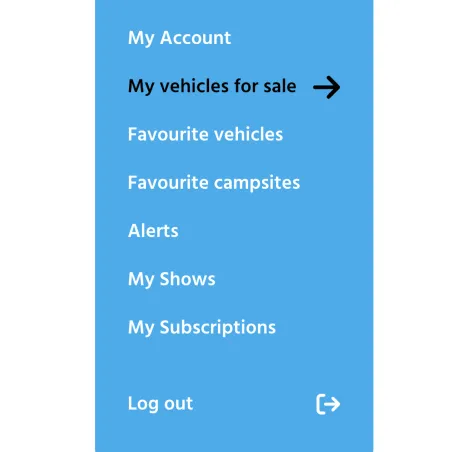
On your Out & About Live account, you can manage your vehicle listing, along with every part of your account by using the blue menu on the left.
There you will be able to edit the details of your listing and also vehicles and campsites you like.